




Section 01
Before You Begin — What You'll Need
Gather these items before starting. Having them ready will let you complete the application in a single sitting.
You'll create (or use) two accounts: an Access Indiana single sign-on account, and a MyLicense profile. Access Indiana is the State's universal login. MyLicense is where the apprentice application actually lives.
Section 02
Create Your Access Indiana Account
Access Indiana is the State of Indiana's single sign-on system. You'll use this same login for many state services. If you already have an Access Indiana account, skip to Section 03.
-
Go to the Access Indiana site
Open a web browser and navigate to access.in.gov. You can also start at in.gov/access/getting-started for the State's walkthrough.
-
Click "Create Account"
On the Access Indiana home page, click the Create Account button.
-
Enter your basic profile information
- First and last name (use your legal name)
- Email address (permanent — not a temporary one)
- Date of birth
- Mobile phone number (recommended for two-step verification)
-
Verify your email
- Click Send Verification Code.
- Open a new browser tab and check your email for a message with the subject "Access Indiana Email Verification."
- Copy the verification code from the email.
- Paste or type the code into the Registration Code field, then click Continue.
-
Create your password
- Enter a strong password and confirm it.
- Save your password somewhere safe (a password manager is ideal).
- Click Continue.
-
Set up two-step verification (recommended)
- Choose either text message or an authenticator app.
- Follow the prompts to verify your second factor.
- You may choose Skip, but two-step verification is strongly recommended.
Section 02 Checklist
0/0 completeSection 03
Get to the MyLicense Application
MyLicense is the Indiana Professional Licensing Agency portal where you actually file your apprentice license application.
-
Go to MyLicense
Open your browser and go to mylicense.in.gov.
-
Sign in with Access Indiana
- Click the Sign In option.
- You'll be redirected to Access Indiana — sign in with the email and password you created in Section 02.
- Complete two-step verification if prompted.
-
Create or update your MyLicense profile
- If this is your first time, you'll be asked to complete a MyLicense user profile.
- Fill in your contact details, address, and any other required fields.
- Save your profile.
-
Start a new application
- From your MyLicense dashboard, look for "Apply for a New License" or "New Application."
- Select the appropriate board: Plumbing Commission (or Heating & Cooling, depending on your trade).
- Select the license type: Apprentice license for your trade.
If you're not sure which board or license type to choose, contact the Indiana Professional Licensing Agency or your apprentice school coordinator before continuing. Picking the wrong license type will cause your application to be rejected and may delay you for weeks.
Section 03 Checklist
0/0 completeSection 04
Complete the Apprentice Application
Work through each section of the online application. The system saves your progress as you go, so you can step away and come back if needed.
-
Personal information
- Confirm your legal name, date of birth, and Social Security Number.
- Confirm your mailing address and phone number.
-
Apprenticeship program details
- Enter the name of your apprentice school or sponsor.
- Enter your program start date and the trade you are training in.
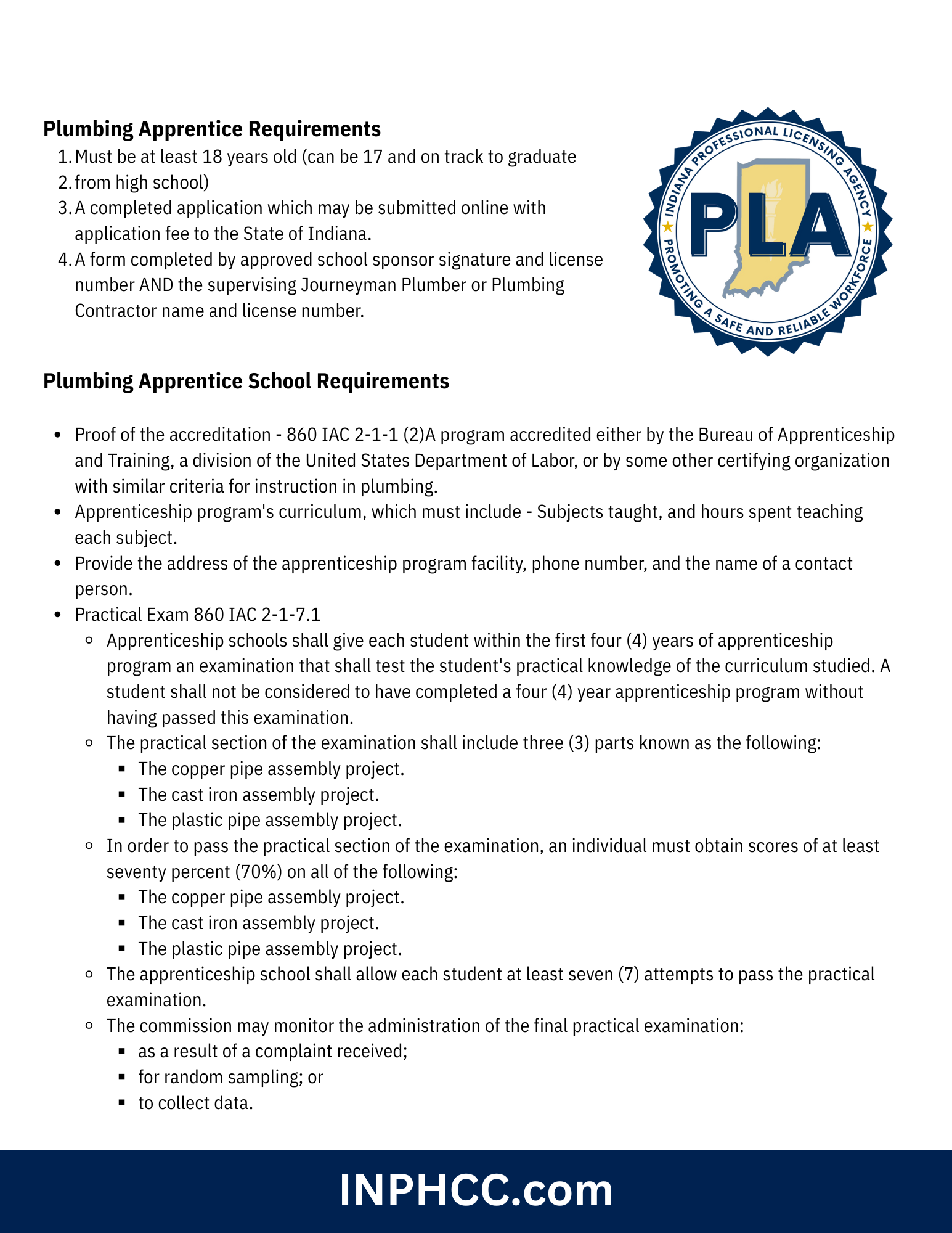
- Confirm your program is a State of Indiana approved four-year apprentice program (required under 860 IAC 2-1-4).
-
Answer the background questions
The application asks a series of yes/no questions about criminal history, professional discipline, and similar matters. Answer truthfully.
-
Upload the Sponsor Certification form
- Locate the file upload section for the Approved Apprenticeship Program Sponsor Certification form.
- Upload the completed form your school (Mechanical Skills) provided.
- Make sure the file is legible and the entire form is captured.
- Accepted formats are typically PDF or image files (JPG, PNG).
-
Review your answers
- Go back through each section before submitting.
- Double-check spelling of your name, your SSN, your address, and your school name.
- Confirm all required documents are attached.
-
Pay the application fee
- Click through to the payment screen.
- Enter your credit or debit card information.
- The application fee is $10 plus an online processing fee.
- Submit payment and wait for the confirmation screen.
-
Save your confirmation
- Print, screenshot, or save the confirmation page as a PDF.
- You should also receive a confirmation email — save it.
- Note your application or transaction number in case you need to follow up.
You must provide a written statement that fully explains all details — the violation, location, date, cause number, and disposition — and you must upload copies of court documents for each instance. You can upload these now, or upload them later using the License Update option in MyLicense.
Section 04 Checklist
0/0 completeSection 05
After You Submit
Once you submit your application, IPLA will review what you've sent in. Here's what to expect and what you may need to do.
-
Watch for an IPLA email
- IPLA will contact you by email if anything is missing or unclear.
- The email will list the additional documentation or corrections needed.
- Check your inbox and your spam folder regularly.
-
Upload any additional documents requested
- Log back in at mylicense.in.gov.
- Go to your dashboard and find your pending application.
- Use the License Update option to upload anything IPLA has requested.
-
Track your application status
- Your MyLicense dashboard will show the current status of your application.
- Status will move from "Submitted" to "Under Review" to "Approved" (or back to you with requests for more info).
-
Receive your apprentice license
- Once approved, your license will be issued and viewable in MyLicense.
- You can print a copy or save a digital version for your school and employer.
Section 05 Checklist
0/0 completeSection 06
Renewing Your Apprentice License
Indiana apprentice licenses expire annually on October 1. Renewal opens July 1 each year.
Key renewal facts
- Renewals are available starting July 1.
- Licenses expire October 1 each year.
- Standard renewal fee is $10 plus an online processing fee.
- If you renew after October 1 at 11:59 PM EST, a $50 late fee applies in addition to the standard fee.
- To renew, you must still be enrolled in an approved four-year apprentice program (per 860 IAC 2-1-4).
How to renew
- Sign in to mylicense.in.gov with your Access Indiana credentials.
- Locate your active apprentice license on your dashboard.
- Click the Renew option.
- Confirm your information is still current and update anything that has changed.
- Pay the renewal fee with a credit or debit card.
- Save your confirmation.
Set yourself a reminder for late July or early August every year. Renewing in July or August means no scrambling, no late fees, and no gap in your license that could affect your job site eligibility.
Section 07
Troubleshooting
Forgot your Access Indiana password
- Click Sign In, then click the "Forgot Your Password?" link.
- Enter your email address and click Continue.
- Check your email and click Confirm in the password change request message.
- Enter and confirm a new password, then click Reset Password.
Didn't receive the email verification code
- Check your spam/junk folder.
- Make sure you typed the email correctly during sign-up.
- Wait a few minutes — emails sometimes lag during high traffic.
- Request a new code if needed.
Don't have the Sponsor Certification form
- Contact Mechanical Skills or your apprentice school coordinator.
- The form must be provided by your sponsor — IPLA will not accept the application without it.
Payment failed
- Verify the card information you entered.
- Make sure the card has sufficient funds and is not expired.
- Try a different card if the issue continues.
- Your application data should still be saved — log back in and try payment again.
Application stuck in "Pending" status
- Check your email for messages from IPLA requesting more information.
- Confirm all required documents have been uploaded.
- Contact IPLA directly if it has been more than a few weeks with no update.
Section 08
Key Contacts & Resources
This guide is based on the IPLA online apprentice registration process. The online system may be updated from time to time — if the screens you see look slightly different from this guide, the overall steps and required items remain the same. When in doubt, contact IPLA or your apprentice school coordinator.